
Picture this: it’s 2am and your phone won’t stop buzzing. Your online store has crashed during your biggest sale of the year. Customers can’t check out, contact forms don’t work, and instead of your beautifully designed website, people see an ugly error screen.
The culprit? A simple WordPress update gone wrong.
This isn’t rare. Every week, small business owners wake up to discover their website is offline thanks to updates that were meant to protect them. Updates are essential for keeping your website secure and running smoothly, but if you don’t manage them properly, they can cause chaos.
Let’s break down how to update WordPress safely, so you can protect your business, your sales, and you avoid rocking in the corner.

Why you can’t ignore WordPress updates
Updates aren’t just about fancy new features. They’re about patching security holes, fixing bugs, and keeping hackers out.
According to Sucuri’s Website Security Report, over 39% of hacked WordPress sites were running outdated versions of WordPress. That’s like leaving your shop door unlocked overnight.
So yes, updates can feel inconvenient, but skipping them is far riskier.
Why websites break after updates
If you’ve ever seen the dreaded “white screen of death,” you know the pain. The biggest culprit? Plugins.
Research shows that 93% of WordPress vulnerabilities come from plugins. Outdated, poorly coded, or abandoned plugins can cause all kinds of crashes when updates are applied. Themes can be guilty too.
Other issues include:
- Broken layouts
- Contact forms that stop working
- Checkout problems on e-commerce websites
And all of these directly impact your customer experience and bottom line. This is why consistent WordPress web maintenance matters so much for small businesses.
The real cost of a broken website
Website downtime isn’t just an inconvenience, it’s expensive. Studies show small businesses lose anywhere from $137 to $427 per minute of downtime.
That doesn’t include the hidden costs:
- Lost customer trust
- Emergency developer bills
- Damage to your professional reputation
In short, an update gone wrong can cost far more than doing it properly in the first place.

How to update WordPress safely
Updating WordPress doesn’t have to feel like crossing your fingers and hoping for the best. Here’s how to do it like a pro:
1. Always back up your website
Before touching anything, make sure you have a recent backup. If things go sideways, you’ll want a way to roll back quickly.
2. Ideally use a staging site
Think of this as your rehearsal space. Apply updates here first, test everything (pages, forms, checkout), and only push them live once you know it all works.
3. Document your website’s functionality
Make a quick checklist of important features:
- Booking forms
- Contact forms
- Online store processes
So you can test them after updates.
4. Avoid peak times
Don’t run updates right before a big event or when you expect a traffic surge.
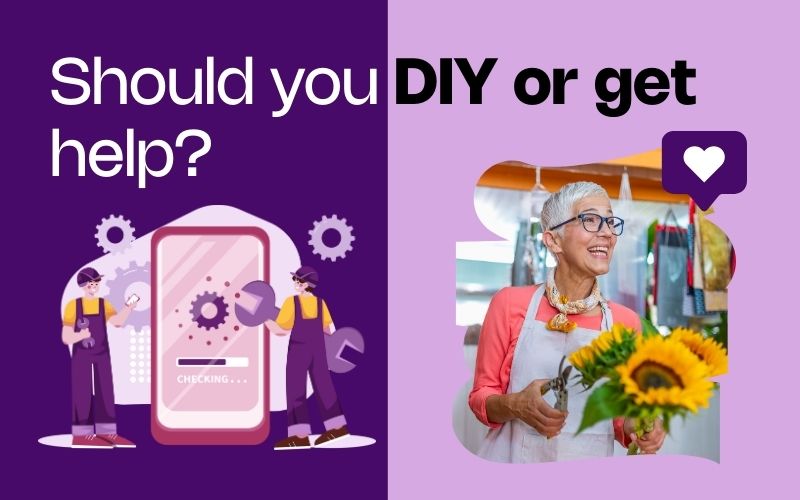
Should you DIY or get professional help?
Yes, WordPress makes updates simple, but troubleshooting a crash isn’t. If you don’t have the time (or tech confidence) to deal with potential issues, it’s worth letting a digital agency handle updates for you.
At She Rocks Digital, we provide WordPress support and maintenance for small businesses every week. We test, troubleshoot, and protect your website so you can focus on running your business, not fighting with tech.
My final word on WordPress updates
Updating WordPress is non-negotiable if you want a secure and professional website. But doing it safely is just as important. With backups, staging, and a clear plan, you can protect your business from unnecessary downtime.
Or, if you’d rather never think about updates again, let us take it off your plate. Get in touch today and we’ll make sure your website runs smoothly, securely, and stress-free.


0 Comments